Face Attendance Machine or Fingerprint How to Pick the Right One for Your Workplace
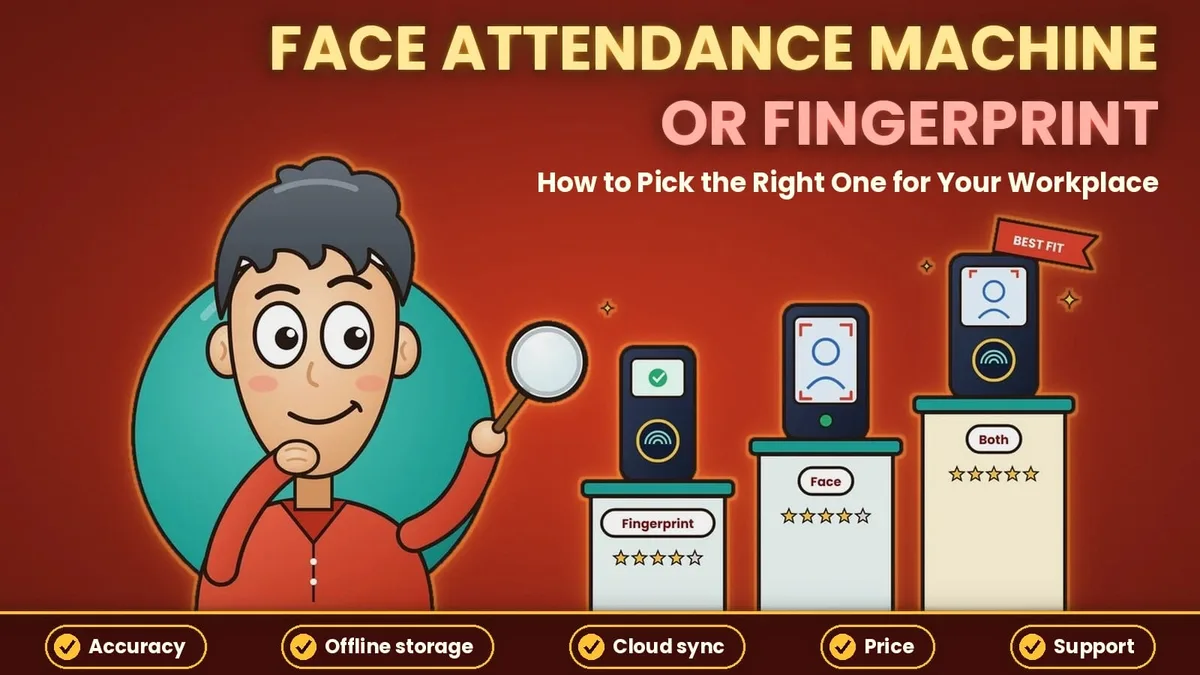
A face attendance machine looks like the obvious upgrade over a register, but it is not the only machine on the market, and it is not the right one for every workplace. Cards get lost, fingerprints fail on dusty hands, and faces fail in bad light. This guide compares the main attendance machines side by side, explains where a face attendance machine works best and where it does not, and lists what to check before you buy one. It is written for owners, HR teams and admin staff in India who want to pick a machine once and not replace it in a year.
What Is a Face Attendance Machine?
A face attendance machine is a wall or desk device that marks attendance when an employee looks at its camera. It has a camera, a screen, a processor and storage. During enrolment, the machine takes photos of each person and saves a face template, which is a set of numbers that describes the face. At check-in, it compares the live face with the saved templates and records the name, date and time if there is a match.
The same device goes by several names. You will see it listed as a face recognition attendance machine, a face biometric attendance machine or a face scanner machine. The words differ, but the idea is the same: a device that identifies a person by their face instead of by a card, a code or a finger. What the machine does after the match, such as applying shift rules and sending records to your software, depends on the software that comes with it.
The Main Types of Attendance Machines
Before you compare, it helps to know the choices. A card or RFID machine reads a card or tag that the employee carries, and it is cheap and quick to start. A PIN machine asks the employee to type a code. A fingerprint machine reads the pattern on a finger. A face machine reads the face from a short distance, without touching anything. A fifth option is not a machine at all. App-based check-in uses the employee's phone with a QR code, a selfie or a face scan.
Each one solves a different problem. Cards and PINs are easy but can be shared, so one person can punch for another. Fingerprints are harder to share, but they need contact and a clean finger. Faces are hard to share and need no contact, but they depend on good light and a clear view of the face.
Face vs Fingerprint vs Card: A Side-by-Side Comparison
The table below compares the three machine types on the points that matter most in daily use.
Point | Card or PIN machine | Fingerprint machine | Face attendance machine |
|---|---|---|---|
How it identifies | Card, tag or code | Finger pattern | Face template |
Proxy attendance | Easy, cards and codes can be shared | Hard | Hard, more so with a liveness check |
Touch needed | Card tap or button press | Yes, finger on a sensor | No |
Speed in a crowd | Fast | Slower when fingers are dry or dirty | Fast when light is good |
Common failure | Lost or forgotten card | Worn, wet or dusty fingers | Glare, dim light or a covered face |
Enrolment | Hand out a card | Scan fingers, sometimes twice | Capture photos from the front |
Best for | Low-risk, small teams | Offices with clean hands | Gates with crowds and hygiene needs |
The table shows a pattern. Cards are the easiest to start with and the easiest to cheat. Fingerprints close the cheating gap but fail on rough hands. Face machines close it without contact, which is why they have become common in factories, schools and offices.
Why Many Workplaces Choose a Face Attendance Machine
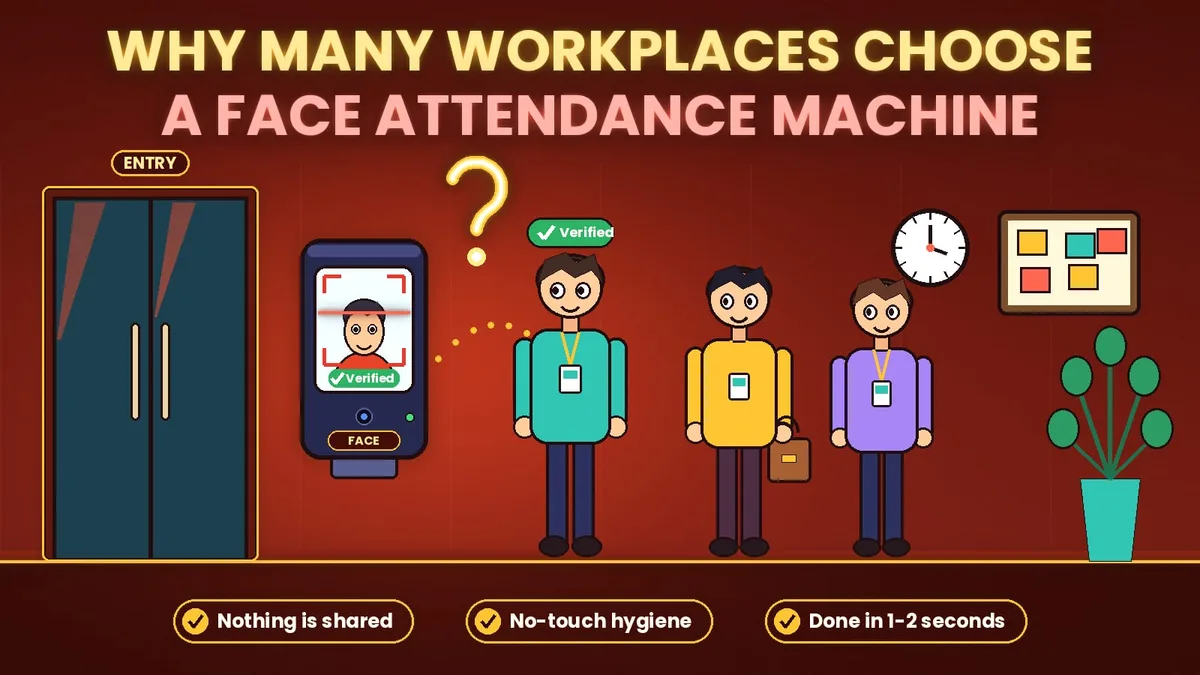
The first reason is that nothing is shared. A face cannot be lent to a friend the way a card can, so buddy punching drops sharply. The second is hygiene. Staff do not touch a shared sensor, which matters in clinics, kitchens and any workplace where many people pass through one gate. The third is speed. A person walks up, looks at the screen and is recorded in a second or two, so queues stay short when a shift starts.
There are practical gains as well. There are no cards to replace and no worn fingerprints to re-enrol. Workers with gloves, oil or dust on their hands can still check in. And because the machine stores a photo or template for each check-in, a manager can review doubtful cases later. For a business that has struggled with proxy attendance, these points often settle the choice.
Where a Face Attendance Machine Is Not the Best Fit
A face machine has limits, and it is better to know them before you buy. It struggles where light is poor or changes sharply, such as an open gate facing the sun, so the spot needs shade or a lamp. It is a weak choice for staff who work away from the office, because a fixed device cannot follow them. It also does not suit a business with many small branches, since you would need a device and a network connection at each one.
In those cases an app-based method fits better. Employees check in on their phones, using a face scan or a code, and every branch uses the same system. Our guide on the QR code attendance system explains how that route works, and many businesses combine a face machine at the main gate with app-based check-in for everyone else.
Match the Machine to Your Workplace
Factories and warehouses usually do best with a face machine at each gate, placed under cover, because workers arrive in batches and their hands are often dirty. Schools and colleges use a face machine for teaching and office staff at the main entrance, where the crowd is predictable. Offices with one entrance can use a single machine, or a shared tablet running a face check-in app, which costs less.
Shops, clinics and small branch networks are often better served by app-based check-in, since each location has only a few staff and no space for hardware. Construction sites and service teams that move between places need a phone-based method with a location check. Whatever you choose, count your entry points first, because the number of gates decides how many machines you need.
What to Check Before You Buy a Face Scanner Machine
Start with capacity. Ask how many faces the machine can store and whether that number is enough for your staff with room to grow. Check how fast it matches a face when the database is full, and test it at a busy time. Ask how it handles photo and video attacks, which is the job of a liveness check, and test it with a printed photo and a phone screen.
Then look at what happens when things go wrong. Can the machine store records when the network is down and send them later? What is the warranty, and who repairs it in your city? Ask how it connects to your software, because a machine that needs a monthly file transfer will cost you hours every month. Finally, ask how the face data is stored and how it is deleted when an employee leaves. For a fuller look at features and cost, read our guide to the face biometric attendance system.
Connecting the Machine to Payroll
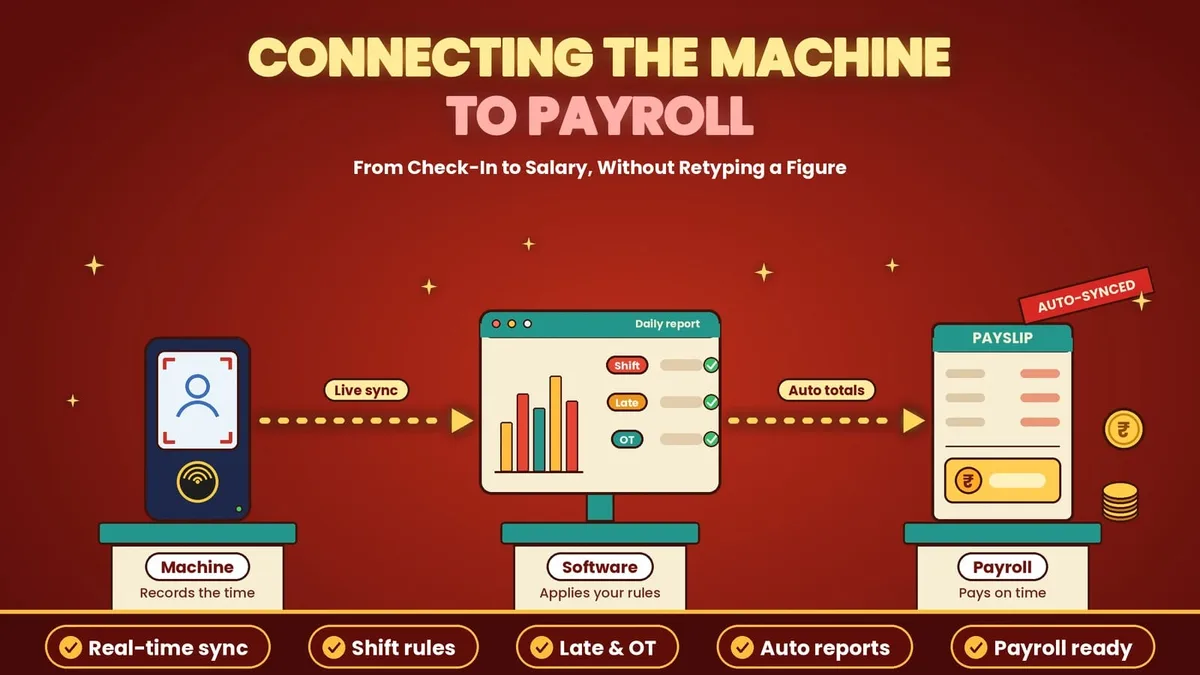
The machine records time, but payroll needs totals, so the link between the two matters. In the best setup, each check-in flows into your attendance software as it happens. The software applies your shift, late and overtime rules and produces daily and monthly reports without anyone retyping figures. In the worst setup, someone exports a file at month end, fixes errors by hand and uploads it to payroll, and every step is a chance for a mistake.
If your machine has to connect to your own HR, billing or accounts software, ask the vendor for an open way to export data. When the two systems do not talk to each other, a software team can build the connection, and business automation work of this kind removes the double entry between attendance and payroll.
Face Check-in with Attendi
If a machine does not suit your sites, Attendi offers face check-in through the app. Employees can check in with face capture, which is available on the Pro plan, and with QR attendance and selfie attendance on the higher plans. Field work attendance covers staff who work away from the office, and employee management keeps every record in one place. Custom settings let you define shifts, working hours, late rules, holidays and weekly offs, and leave management links approved leave to attendance so that leave is never marked as absent.
Every check-in feeds the attendance reports and leave management in the same place, with daily and monthly totals ready for payroll. Attendi comes with a 15-day free trial when you sign up at attendi.in, so you can try face check-in with your own team and compare it with a machine before you spend anything on hardware.
Final Thoughts
A face attendance machine is a strong choice when you have a busy gate, want no contact and need to stop proxy attendance. It is a weaker choice for scattered teams, bright open gates and sites with poor power. Compare it with cards and fingerprints on the points that matter to you, test it with your own staff before you buy, and plan how its data will reach payroll. If you are still unsure, run an app-based trial next to it, and let your own results decide.