QR Code Attendance System How It Works Setup and Pricing in India

A QR code attendance system is one of the simplest ways to replace paper registers and spreadsheets with fast, accurate and automated tracking. Instead of calling out names or collecting signatures, people scan a QR code with their phone, and the system records who was present and when. For Indian businesses, schools, coaching centres and event organisers, this approach has become popular because it needs no special machines and works with devices people already carry. This guide explains what a QR code attendance system is, how it works, how to set it up, and what it costs in India.
What Is a QR Code Attendance System?
A QR code attendance system lets employees, students or attendees mark their presence by scanning a unique QR code with a smartphone camera. Each scan captures the person's identity and the exact time, and in many systems the location as well. The information goes straight to a central dashboard, so nobody has to type attendance into a sheet at the end of the day.
The same technology is used in different ways. When it is used to register guests at a conference or workshop, it is usually called QR code registration. When it is used at the entrance of an office, classroom, gym or training hall, it is called QR code check in. The idea is identical in both cases: a quick scan replaces manual entry.
The reason this method is growing so fast in India is simple. Almost everyone owns a smartphone, so there is no extra hardware to buy. It costs far less than biometric machines, it works for remote and multi-location teams, and the reports are created automatically, which saves hours of work for HR and administration.
How Does a QR Code Attendance System Work?
The process is quick and takes only a few seconds per person. First, the admin creates a QR code for a particular location, class, shift or event. This code can be shown on a screen, printed and pasted near the entrance, or displayed on a tablet at the reception desk.
Next, the employee or student opens the phone camera or the attendance app and scans the code. The system then checks who the person is and records the exact check-in time. Many platforms also capture GPS location or a selfie at the time of scanning, which makes it much harder for someone to mark attendance for a friend.
Once the scan is complete, the record appears on the admin dashboard in real time. There is no paperwork and no manual data entry. At the end of the day, week or month, the software calculates late arrivals, absences, working hours and overtime on its own, and generates ready-to-use reports. If you want to see this flow from start to finish, you can read about how attendi works, which explains the whole process from setup to reporting.
Types of QR Code Attendance
Not every QR attendance system works in exactly the same way, and the type you choose affects how secure it is. A static QR code is a fixed code placed at the entrance. It is simple to use, but because it never changes, someone could share a photo of it with a person who is not present, unless the system adds other checks.
A dynamic QR code refreshes every few seconds or minutes, so a screenshot cannot be reused later. This is the safer choice for offices and institutions that want to avoid proxy attendance. Another model is the personal QR code, where each employee or student has their own code on an ID card or in an app, and a guard or reception device scans it. This is common in schools and large events. Finally, a location-locked QR code accepts a scan only when the phone is within a set distance of the premises, which is useful for branch offices and field teams.
Features to Look for in a QR Code Attendance System
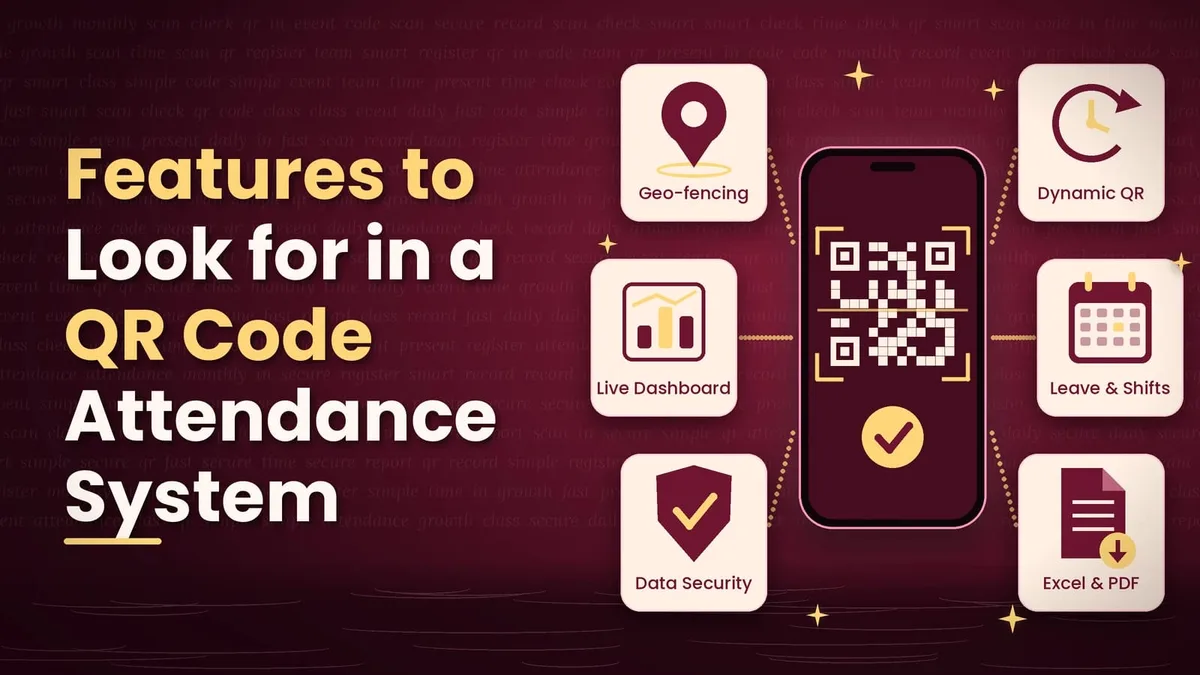
A good system should offer much more than scanning alone. Dynamic or time-limited QR codes are important because they stop attendance from being shared. GPS and geo-fencing help when people work from different sites. A real-time dashboard lets managers see who has arrived at any moment, and automatic rules for late marks, half days and overtime remove the need for manual calculation.
You should also look for leave and shift management, reports that can be exported to Excel or PDF, support for several locations and departments, and a mobile app for both admins and users. Strong data security matters as well, since attendance records contain personal information. You can explore the complete set of tools on the attendi features page, which covers tracking, reporting and management options beyond basic scanning.
Who Can Use a QR Code Attendance System?
Offices and corporate teams use it so employees can scan in at the entrance or from the app, and HR gets accurate working hours for payroll. Schools, colleges and coaching institutes use it so teachers and students can mark attendance at the start of every class, and parents or administrators can quickly see absence reports.
Event organisers rely on QR code registration and QR code check in to reduce queues at the entrance and to know the exact number of people present. Factories, retail stores and field teams benefit because staff working in different shifts and places can be tracked without installing a separate machine at every site. Gyms, training centres and co-working spaces also use it so members can check in with one scan and managers can understand visit patterns easily.
How to Set Up a QR Code Attendance System
Setting up a QR code attendance system takes much less time than most people expect, and in many cases it can be done in a single day. The first step is to decide what you need. Think about how many people, locations and shifts you have, and whether you want simple scanning or extra checks such as GPS and selfie verification.
After that, you choose the software that supports QR attendance along with the reports and rules you require. Then you add your users, either by uploading a spreadsheet or by entering them manually. Once users are added, you generate QR codes for each location, class or event and set the rules, such as valid time windows and allowed distance from the premises. The code can then be displayed at the entrance, shown on a screen or shared digitally.
Before launch, spend a couple of minutes explaining the process to everyone. Scanning a QR code is something people already do for payments and menus, so most users learn it immediately. After the first week, review the dashboard and adjust your grace time, late-mark and leave rules based on what you see.
QR Code Attendance vs Other Attendance Methods
Many organisations compare QR attendance with biometric machines and traditional registers before deciding. The table below shows how they differ on the points that matter most.
Feature | QR Code Attendance | Biometric (Fingerprint) | Paper Register |
|---|---|---|---|
Hardware needed | Smartphone only | Dedicated device | None |
Setup cost | Low | High | Very low |
Proxy attendance risk | Low (with dynamic QR and GPS) | Very low | High |
Works for remote teams | Yes | No | No |
Real-time reports | Yes | Yes | No |
Touch-free | Yes | No | Moderate |
Multi-location support | Easy | Costly | Difficult |
Maintenance | Minimal | Regular | Manual effort |
As the comparison shows, QR attendance offers the best balance of cost, flexibility and accuracy for most Indian organisations, especially those with several locations or hybrid teams. Biometric devices are still very accurate, but they cost more, need maintenance and cannot support remote staff, while paper registers are cheap but slow and easy to manipulate.
QR Code Attendance System Pricing in India
Pricing depends on the provider, the size of your team and the features you choose. Many providers charge a small monthly amount per employee or student, and the rate usually drops as the number of users grows. Others offer flat monthly or yearly plans for teams up to a certain size, which can be more convenient for small businesses and institutes.
For events, QR code registration and check in is often priced per event or per attendee. Extra features such as GPS tracking, selfie verification, payroll integration and additional reports may be charged separately, so it is worth checking exactly what each plan includes. Compared with biometric machines, which can cost several thousand rupees per device along with installation and maintenance, a QR-based system usually has a much lower upfront cost because it uses the phones people already own.
When you compare plans, look out for hidden costs such as setup fees, charges for each extra location, limits on report downloads and paid support. For current plans and rates, you can visit the attendi pricing section.
Benefits of Using a QR Code Attendance System
The biggest advantage is time. Marking attendance takes only a few seconds, and reports are created without any manual effort. This also reduces errors, because there is no hand entry that can lead to mistakes in payroll or student records. Dynamic codes, GPS and selfie checks make misuse difficult, which helps prevent proxy attendance.
Costs stay low because there are no expensive machines or heavy maintenance. The system also scales easily, since new users or locations can be added in minutes. Transparency improves because employees and managers can see attendance records clearly, and hybrid work becomes easier to manage because remote and field staff can mark attendance from anywhere within the rules you set.
Common Challenges and How to Solve Them
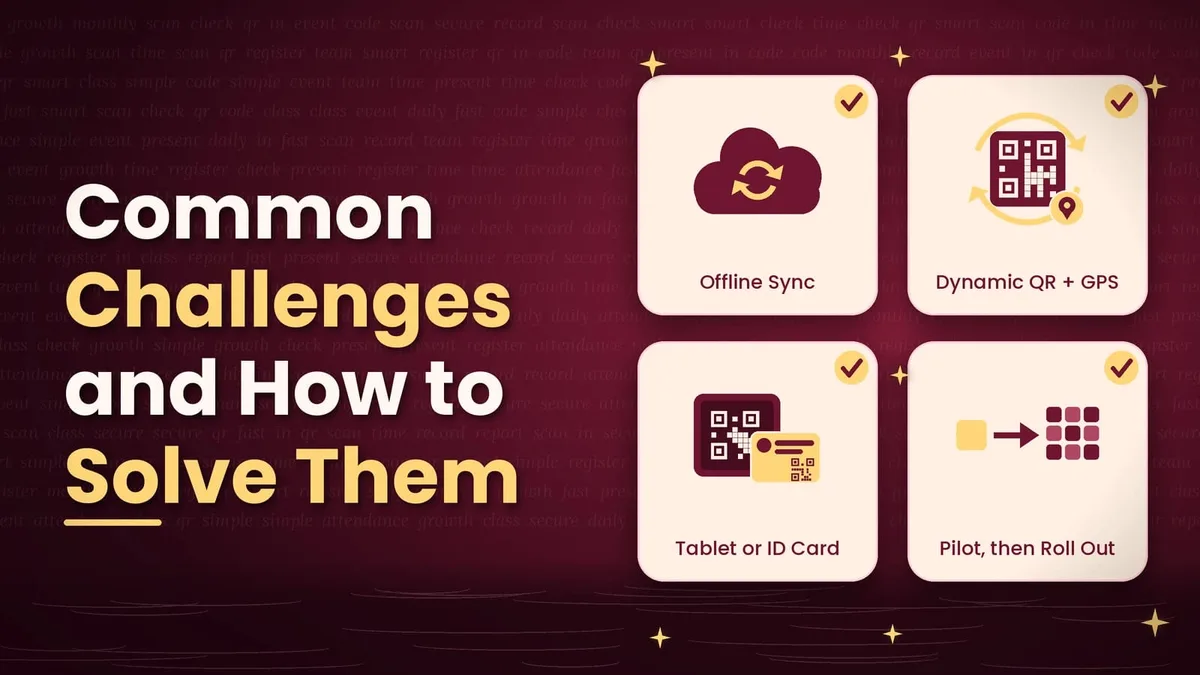
Poor internet connectivity is one of the most common concerns. A good system solves this by storing the scan offline and syncing it when the connection returns. Another worry is that employees may share QR screenshots with absent colleagues. This can be prevented by using dynamic QR codes that refresh frequently and by combining them with GPS or selfie checks.
Some people may not have a smartphone, and in that case a shared tablet or a personal QR ID card scanned at the entrance works well. If your team is slow to accept the change, start with a short pilot in one department, show how much time it saves, and then roll it out to everyone.
How to Choose the Right QR Code Attendance Software
Before you decide, ask whether the software supports dynamic QR codes and geo-fencing, and whether it can handle your number of users and locations. Check that it produces the reports your payroll or institution needs, that the pricing is clear with no hidden charges, that support is available in India, and that your data is stored securely. It also helps to read independent resources such as QR attendance guides to understand the wider category and compare different approaches before you make a final choice.
Best Practices for Better Results
Place the QR code in a spot where people can scan without crowding. Use time windows so that scans are valid only during working hours or class time, and set clear grace-time and late-mark policies so everyone knows the rules. Review the reports every week instead of waiting until the end of the month, and explain the process to all users before launch. It is also wise to keep a backup option, such as manual approval, for genuine exceptions like a dead phone battery.
Final Thoughts
A QR code attendance system is one of the most affordable and practical ways to modernise attendance in India. It replaces paper and spreadsheets with quick, accurate and automated tracking, and the same approach works for QR code registration at events and QR code check in at offices, schools and training centres.
Start by defining what you need, compare features and pricing carefully, run a small pilot, and then expand to your whole organisation. When it is set up properly, it saves hours every week and gives you attendance data you can trust.