QR Code Attendance A Complete Guide for Modern Businesses
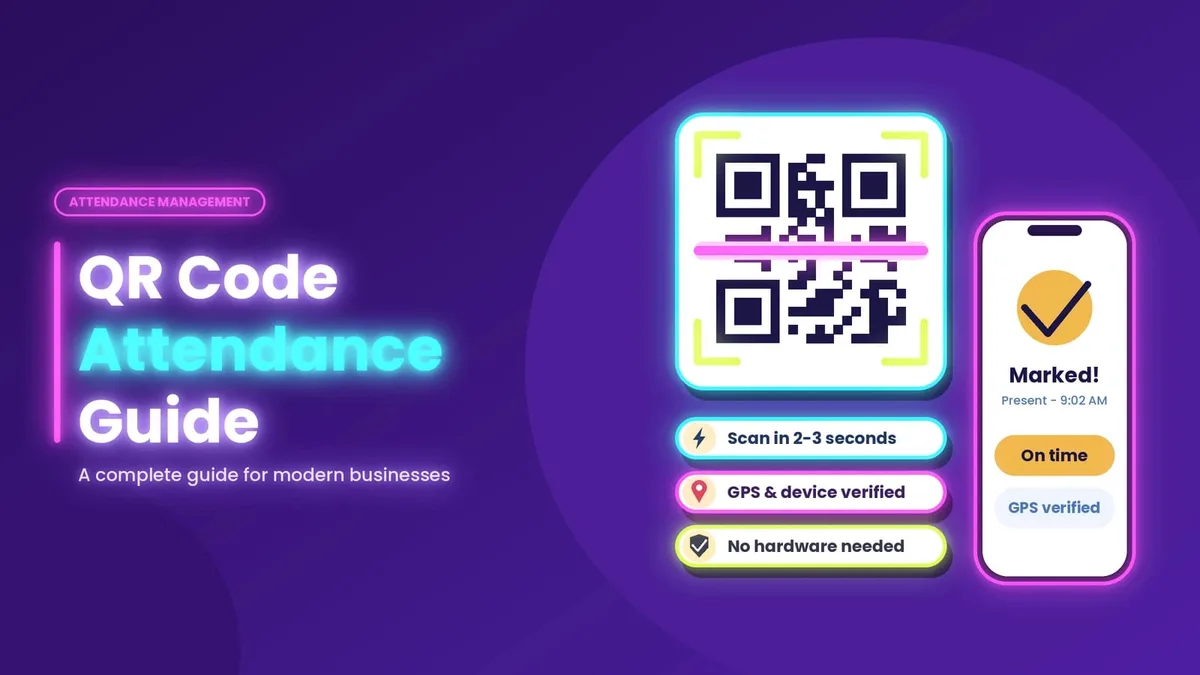
Marking attendance on paper registers or fingerprint machines wastes time and invites errors. Queues form at the entrance, buddy punching goes unnoticed, and HR spends days fixing data before payroll. QR code attendance solves these problems with something almost everyone already carries: a smartphone.
In this guide, you will learn what QR code attendance is, how it works, where it fits in a wider attendance management software setup, and how to choose the right system for your school, office, or field team.
What Is QR Code Attendance?
QR code attendance is a method where employees, students, or visitors scan a unique QR code with their phone to mark their presence. The scan sends the person's identity, time, and often location to a central system. The record is stored instantly, with no manual entry.
The QR code can be displayed at the office entrance, printed on a poster, shown on a screen, or generated dynamically so it changes every few minutes. A dynamic code stops people from sharing a screenshot with absent colleagues.
How QR Code Attendance Works
The process is simple enough for anyone to learn in minutes. First, the admin creates a QR code for a location, class, shift, or event. The person scans the code using the attendance app or their phone camera. The system verifies the scan using login details, device ID, and optionally GPS. Attendance is recorded with a timestamp and shows up on the dashboard in real time. Reports are generated automatically for payroll, compliance, or parent updates.
To see this flow in action, you can check how the attendance process works step by step from setup to reporting.
Why QR Code Attendance Beats Traditional Methods
Traditional methods still work for tiny teams, but they struggle as headcount grows. The table below compares paper registers, biometric machines, and QR code attendance across important factors.
Feature | Paper Register | Biometric Machine | QR Code Attendance |
|---|---|---|---|
Setup cost | Very low | High (hardware) | Low (no hardware) |
Speed per person | Slow | Medium (queues) | Fast (2 to 3 seconds) |
Proxy attendance risk | High | Low | Low (with dynamic QR) |
Real-time data | No | Limited | Yes |
Works for remote or field staff | No | No | Yes |
Maintenance | Manual filing | Repairs, sensors | Almost none |
Report generation | Manual | Semi-automatic | Fully automatic |
The biggest advantage is flexibility. You do not need to buy or maintain devices at every location. One admin can manage many branches from a single dashboard.
Key Benefits of QR Code Attendance
Saves Time for Everyone
A scan takes only a few seconds. No more waiting behind a long line at a biometric device or hunting for the register.
Reduces Errors and Fraud
Manual entries lead to mistakes and fake signatures. With dynamic QR codes, device checks, and location verification, buddy punching drops sharply.
Lower Cost
There is no need to purchase fingerprint scanners or face-recognition terminals. Staff use phones they already own, so your cost is mainly the software subscription.
Real-Time Visibility
Managers see who is present, late, or absent as it happens. This helps with shift planning and quick decisions.
Easy Payroll Integration
Accurate in and out times feed directly into salary calculations, overtime, and leave balances, so month-end work shrinks from days to minutes.
Contactless and Hygienic
Scanning a code avoids touching shared surfaces, a benefit that many workplaces and schools now expect.
QR Code Attendance as Part of Attendance Management Software
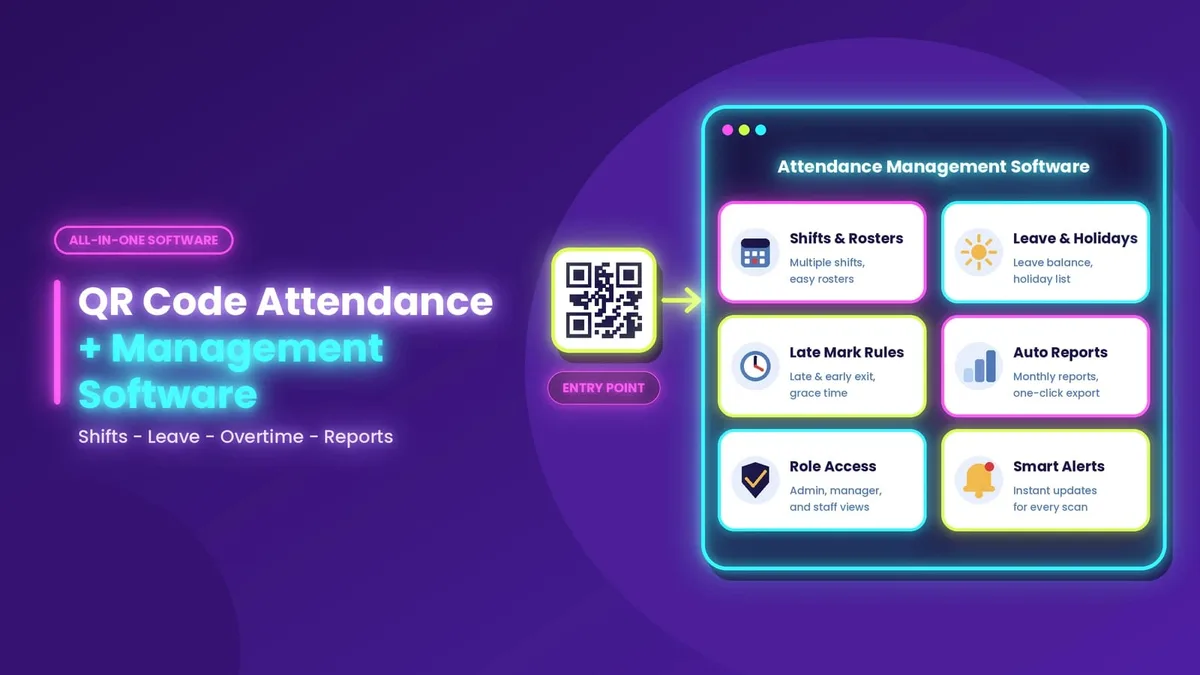
A QR code is only the entry point. The real value comes when it connects to full attendance management software that handles the entire cycle: shifts, leave, overtime, late marks, holidays, and reports.
Good attendance management software should offer multiple shift and roster support, leave and holiday management, late arrival and early exit rules, automatic monthly reports and exports, role-based access for admins, managers, and staff, and alerts and notifications.
You can explore the complete list of attendance software features to see how these capabilities come together in one platform.
Attendance Tracking System: What to Look For
When you compare any attendance tracking system, focus on practical points instead of long feature lists. Consider whether it captures exact time, location, and device details, and whether a new employee can start using it in under five minutes. Check whether it will work for 20 people today and 500 next year, whether daily, weekly, and monthly data can be exported in one click, and whether support is available in your time zone and language.
A tracking system that is hard to use will be ignored by staff, no matter how powerful it is. Simplicity drives adoption.
Mobile Attendance System for Remote and Field Teams
Many Indian businesses now have sales teams, delivery staff, site engineers, and hybrid workers who are rarely in one place. A mobile attendance system gives them a way to mark attendance from anywhere.
With QR scanning plus GPS tagging, employees can check in at client sites, branch offices, or project locations. Managers get verified location data, and staff do not need to return to a central office just to punch in. Offline modes, where scans sync once the internet returns, are especially useful in low-network areas.
For industries like retail, construction, education, healthcare, and logistics, a mobile attendance system often becomes the only practical option.
Who Can Use QR Code Attendance?
Offices and startups can replace biometric devices and simplify HR processes with QR code attendance. Schools and coaching centres can mark student attendance in seconds and notify parents. Factories and warehouses can track shifts and overtime accurately, while retail chains can manage multiple outlets through one dashboard. Events and training sessions can verify participants quickly at entry, and gyms and clubs can track member visits without manual registers.
How to Set Up QR Code Attendance in 5 Steps
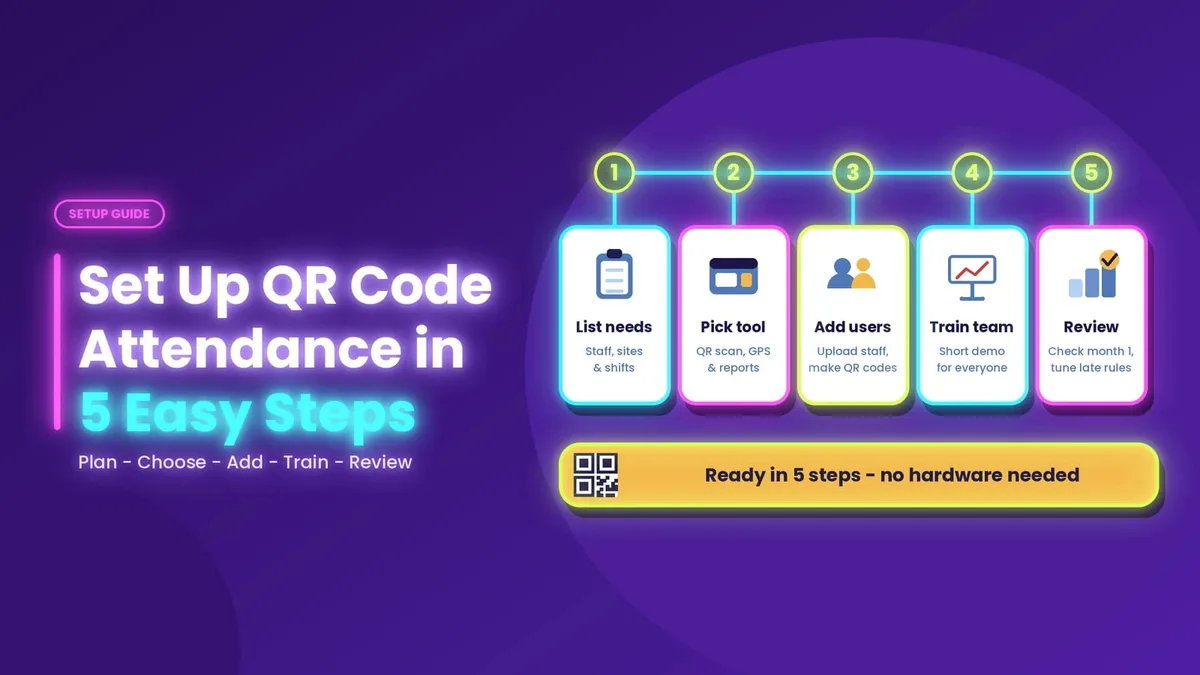
Setting up QR code attendance starts with listing your needs, including the number of employees, locations, shifts, and reporting requirements. Next, choose software that supports QR scanning, mobile access, and reports. Add users and locations by uploading staff details and creating QR codes for each site. Give your team a short demonstration so they understand how to scan the code and mark attendance. Finally, review the first month's reports and adjust rules such as grace time and late marks.
Before you commit, review the attendance software pricing plans to match your team size and budget.
Common Mistakes to Avoid
Using a static QR code forever can create security risks because anyone can photograph it. Prefer dynamic or location-verified codes where appropriate. Data privacy should also be considered, so choose a provider that explains how data is stored and protected. Skipping staff communication can create resistance, so explain why you are changing the system. Set clear rules for grace periods, half-day calculations, and approval flows early. Finally, avoid choosing a system based on price alone, as a cheap tool with poor support can cost more in the long run.
Exploring Other Attendance Solutions
The attendance technology space is growing fast, and it helps to understand what different providers offer before deciding. For a wider view of available options, you can also look at other attendance solutions in the market and compare features, usability, and support.
Frequently Asked Questions
Is QR code attendance safe?
Yes, when combined with dynamic codes, device binding, and GPS checks. These measures make it difficult to mark attendance for someone else.
Does it work without internet?
Some systems allow offline scanning and sync the data later. Always confirm this feature with your provider.
Can it replace biometric machines completely?
For most businesses, yes. Some high-security areas may still use biometrics alongside QR scanning.
How much does it cost?
Costs vary by team size and features. Many providers charge per user per month, which is usually cheaper than buying and maintaining hardware.
Is it suitable for small businesses?
Absolutely. Small teams benefit the most because setup is quick and no hardware investment is needed.
Final Thoughts
QR code attendance is a fast, low-cost, and reliable way to record presence. When paired with strong attendance management software, a dependable attendance tracking system, and a flexible mobile attendance system, it removes paperwork, improves accuracy, and gives managers real-time control over their workforce.
If you are still using registers or expensive biometric devices, now is a good time to switch. Start with a clear list of needs, test the system with a small group, and expand once your team is comfortable.