Online Leave Management System Simplifying Employee Leave Tracking
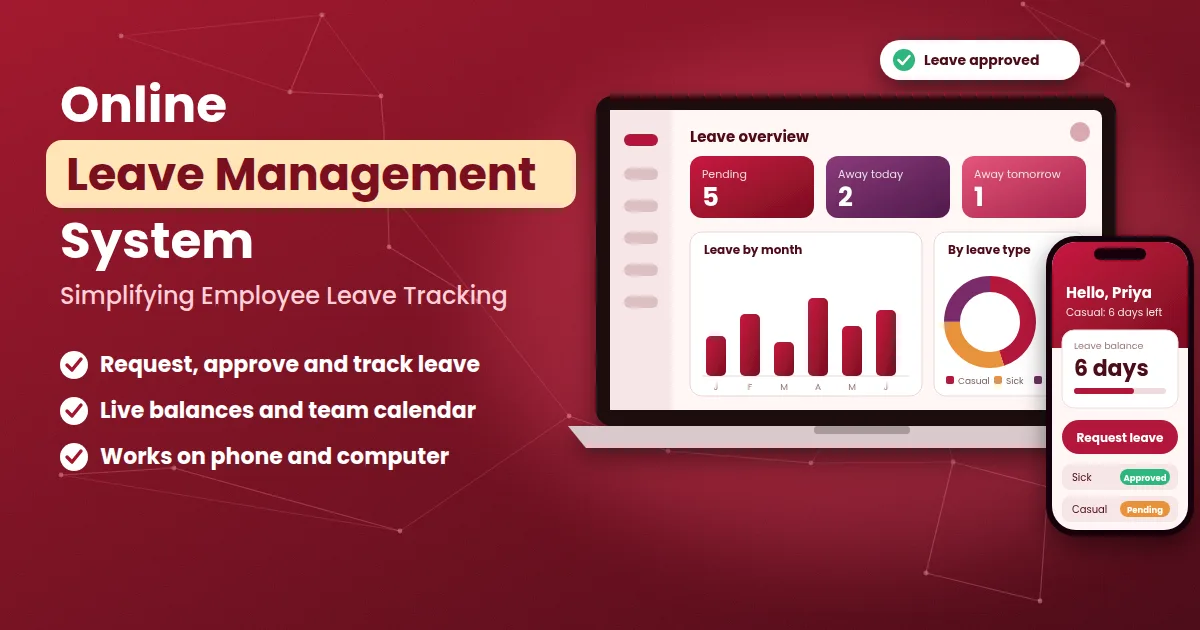
An online leave management system gives every employee and manager the same, always up-to-date view of who is on leave, who has applied and how many days are left. Without one, leave tracking becomes a side job for whoever is best with spreadsheets: balances are updated late, dates clash and the only way to settle a doubt is to scroll through old messages. The result is a monthly scramble before salary and a steady stream of small arguments in between. This guide explains how an online leave management system simplifies employee leave tracking, what you should measure, which rules to set and how to start without upsetting your team's routine.
What Is an Online Leave Management System?
An online leave management system is cloud-based software that records leave requests, approvals, balances and history in one place. You and your team log in through a browser or a mobile app, and the provider takes care of hosting, backups and updates. There is nothing to install on your own computers.
The word "online" matters because leave is a moving target. People apply from home, managers approve from another branch and balances change every day. When the record is online, everyone sees the same current number, wherever they are.
Why Leave Tracking Goes Wrong Offline
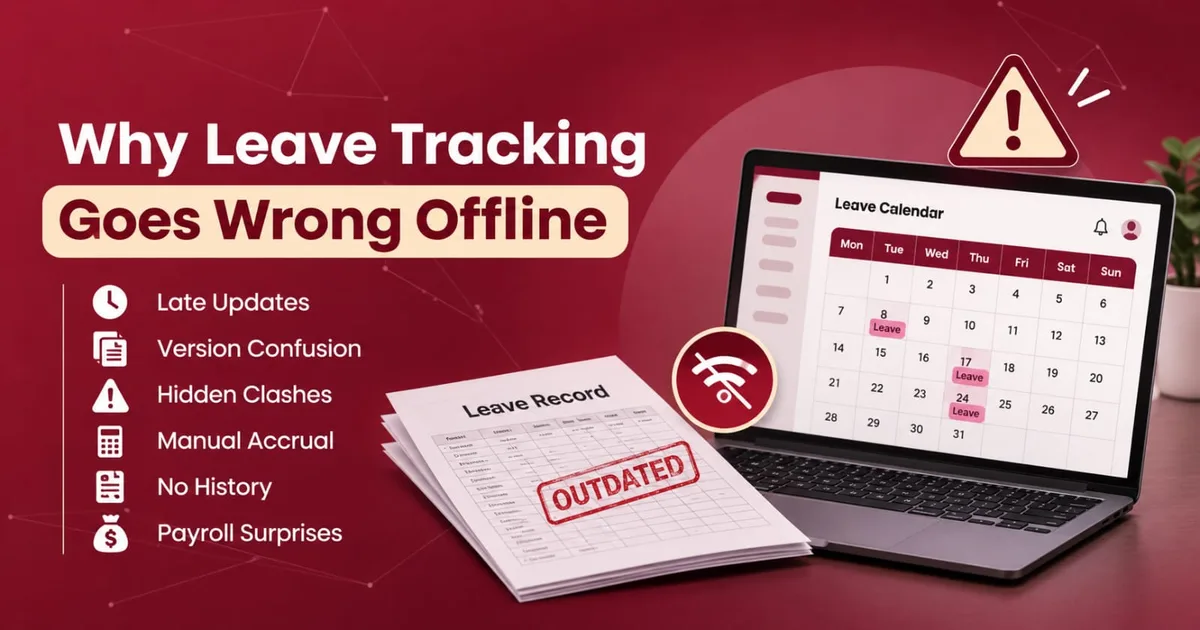
Tracking leave on paper or in a sheet works for a few people. As a team grows, the same weak points show up:
Late updates. Balances are changed after the fact, so the number you see is already old.
Version confusion. Two copies of the sheet exist, and nobody knows which is correct.
Hidden clashes. Several people are planning leave for the same week, and no one sees it until it is too late.
Manual accrual. Someone has to remember to add new leave days, carry forward unused ones and reset the year.
No history. When a question comes up months later, there is no clear record of what was approved and why.
Payroll surprises. Unpaid days are discovered at the last minute, when salary is already being prepared.
These are not signs of careless people. They are signs that a manual method has reached the edge of what it can do.
How an Online Leave Management System Works
The daily flow is the same in almost every tool.
You set up leave types and rules, such as casual leave, sick leave and unpaid leave, with yearly limits.
You add employees with their joining dates, teams and approvers.
Employees apply from their phones, choosing the type, the dates and a short reason.
The system checks the balance and flags clashes with holidays or weekly offs.
The manager approves or rejects, seeing the team calendar before deciding.
Balances and attendance update automatically, and the approved dates appear on the shared calendar.
Reports are ready whenever you need them, including at month end.
The point is that the employee, the manager and the records all work from the same source, so nobody has to re-enter anything.
What to Track: Simple Leave Tracking Measures
Tracking does not mean collecting every number. A few measures tell you most of what you need to know. The table below shows what to watch, what it tells you and how often to look.
What to track | What it shows | Why it matters | How often to review |
|---|---|---|---|
Leave balance by employee | Days left for each leave type | Prevents surprises and disputes | Always available, checked monthly |
Leave taken by type | How casual, sick and earned leave is used | Shows if the policy fits real needs | Monthly |
Pending requests | Requests waiting for a decision | Catches approvals that are stuck | Weekly |
Time to approve | Days between request and decision | Shows how responsive managers are | Monthly |
Absence patterns | Leave clustering on Mondays, Fridays or before holidays | Helps plan cover and spot problems early | Quarterly |
Unpaid leave days | Days that will reduce salary | Keeps payroll accurate | Before each salary cycle |
Upcoming leave | Who is off in the next weeks | Avoids coverage gaps | Weekly |
If a number in this table is hard to find in your current method, that is a sign of where an online system will help most.
Balances, Accrual and Carry Forward
Most leave disputes are really arguments about numbers. Decide these rules in writing before you enter them in any tool:
Yearly entitlement for each leave type.
Accrual: do employees receive all days on day one, or do they earn them month by month?
Joining and leaving mid-year: how are days calculated for part of a year?
Carry forward: can unused days move to the next year, and is there a limit?
Encashment: are unused days paid out, and under what conditions?
Negative balance: can an employee take leave in advance, and what happens if they leave the company?
Leave rules can be affected by law, the type of establishment and the state, so confirm them with a qualified professional before you finalise them. A system can then apply them the same way to everyone.
Team Calendar and Coverage Planning
One of the most useful parts of an online system is the shared calendar. When a manager opens a request, they can see who else is already off, which days are holidays and whether the team will still be able to work. This turns leave approval from a yes-or-no guess into a planning decision.
A few habits make the calendar more useful:
Ask employees to apply for planned leave early.
Set a limit on how many people from one team can be off on the same day, if your work needs it.
Review the next two weeks every Monday so that gaps are covered in advance.
Features to Look For
A long feature list can hide the few things you actually need. Start with this shortlist:
Mobile app that is quick and works on a slow connection.
Flexible leave types and accrual rules that match your policy.
Balance check at the moment of applying.
Approval flow with a backup approver and reminders.
Team calendar showing who is off and when.
Link with attendance, so approved leave updates the attendance record.
Reports you can export for payroll and reviews.
Role-based access so managers see only their own team.
Audit trail that shows who approved or changed a request.
To see how leave, attendance and employee records come together in one tool, you can look at the Attendi features page.
Benefits of an Online Leave Management System
One source of truth. Everyone sees the same balance and the same decision.
Less admin. Accrual, balances and calendars update without manual work.
Faster approvals. Requests reach the right person at once, with the information needed to decide.
Better planning. Managers see team availability before they approve.
Fairer treatment. The same rules apply to every employee.
Accurate payroll. Unpaid days are known well before salary is prepared.
A reliable history. Every request has a date, a decision and a name against it.
Answering Leave Questions Quickly
Even with a good system, employees will ask things like "How many days do I have?" or "Was my request approved?" If these questions arrive as random phone calls and chat messages, they take up a lot of time. One option is a simple helpdesk number for HR or admin that employees can message on WhatsApp. A tool such as Walinko, which creates WhatsApp click-to-chat links and QR codes, can help you share that number on a notice board or intranet page. Whatever channel you use, give every question an owner and a reply time, and answer from the system record so the reply is always the same as what the employee sees on their own screen.
Who Benefits Most?
Any business with staff can use an online leave management system, but the gain is clearest in these situations:
Small businesses with no HR person, where the owner keeps leave in a notebook or a sheet.
Teams with shifts, where one absence changes the whole schedule.
Companies with several branches, where managers in different places approve leave on their own.
Schools and coaching centres, where cover for absent teachers must be planned.
Teams with field staff, who are rarely in the office and need an easy way to apply.
Compliance and Legal Points
Leave entitlements in India depend on the type of establishment, its size and the state, and some leave, such as maternity leave, is set by law. A system can apply the rules you give it and keep clear records, but it does not decide your legal duties. Confirm your obligations with a qualified labour-law or payroll professional, and check that the tool can handle the leave types they tell you are required.
Privacy and Data Safety
Leave records can reveal sensitive details, such as health problems or family events. Before you choose a provider, ask:
Who can see the reason for a leave, and can I limit it to the approver?
Is data encrypted, and where is it stored?
How often are backups taken, and how can I restore them?
Is there a log of who viewed or changed records?
Is there a clear privacy policy I can read before signing up?
A published policy is a good sign that a vendor takes the subject seriously. You can read how Attendi explains this on the Attendi privacy policy page. In India, the Digital Personal Data Protection Act, 2023 sets duties for organisations that handle personal data, and its rules are being brought into effect in stages. This is general information and not legal advice, so confirm your own duties with a qualified professional.
How to Start in 30 Days
A steadier rollout works better than changing everything in a week.
Write down your leave policy on one page.
Collect opening balances for every employee and leave type, and have each manager confirm them.
Pick one pilot team with a willing manager.
Train managers first, then employees, using real leave examples.
Run both methods for one cycle. Keep the old sheet beside the system for a month and compare the balances.
Fix differences in rules or data before switching fully.
Set a switch date. After that date, only the system record counts.
To see what the setup flow looks like before you begin, the Attendi how it works page explains it step by step.
Common Mistakes to Avoid
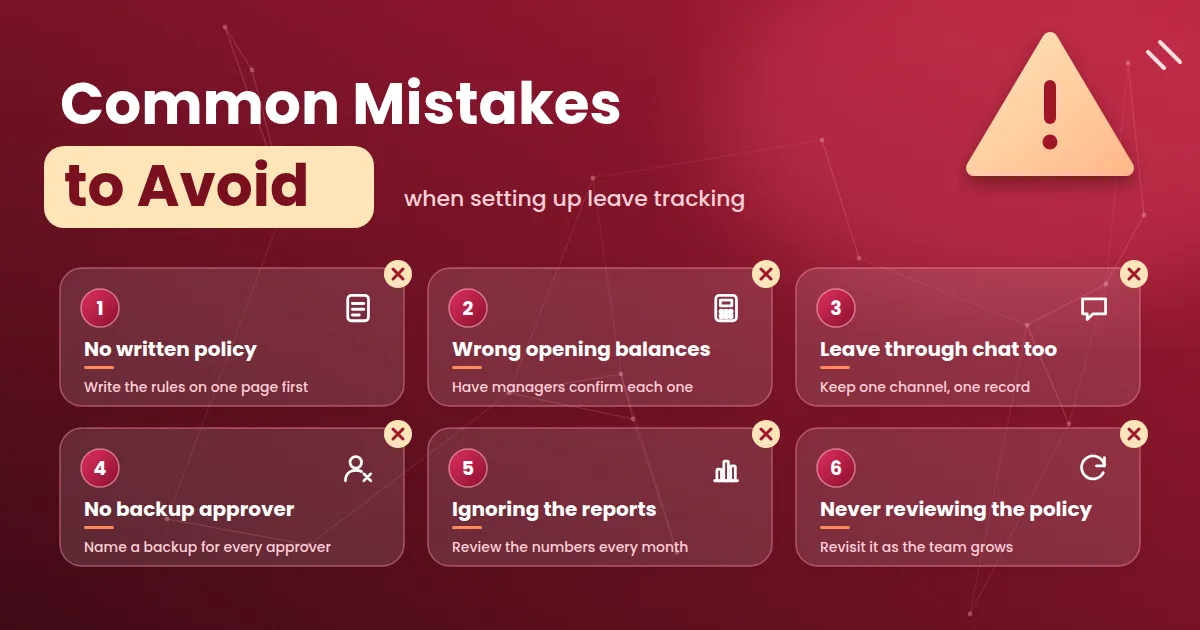
Starting without a written policy. If your rules are unclear, the software only records the confusion.
Wrong opening balances. One incorrect starting number causes months of disputes.
Accepting leave through chat as well. Two channels create two records.
No backup approver. Requests pile up when one manager is away.
Ignoring the reports. Tracking only helps if someone looks at the numbers.
Never reviewing the policy. A policy that suits ten people may need changes at fifty.
Frequently Asked Questions
What is an online leave management system? It is cloud-based software that records leave requests, approvals, balances and history, and is used through a browser or mobile app.
How does it simplify leave tracking? Balances, accrual, approvals and calendars update automatically, so nobody has to maintain separate sheets or reconcile numbers by hand.
Can it handle different leave types and accrual rules? Most tools let you create your own leave types, yearly limits and accrual rules. Check that a tool can follow your policy before you buy.
Is it only for large companies? No. Small teams with no HR staff often gain the most, because the owner saves time and avoids disputes.
Does it work for employees who are not at a desk? Yes. Mobile apps let field, shift and remote employees apply for leave from their phones.
How does leave connect to payroll? Approved paid leave is paid as usual, and unpaid days reduce salary as per your policy. A good system passes these totals to payroll.
Is leave data safe? It depends on the tool. Ask about role-based access, encryption, backups, an audit log and a published privacy policy.
Final Thoughts
An online leave management system is a simple idea: one current record of leave that everyone can see and trust. You do not need the biggest tool. You need one that follows your rules, shows balances clearly and fits the way your managers already work. Start by writing your policy, enter correct opening balances and run the new system beside your old method for one cycle. Once leave tracking becomes routine instead of a monthly scramble, you and your managers get time back for the work that actually moves the business.