Online Employee Management System for Smarter Workforce Management
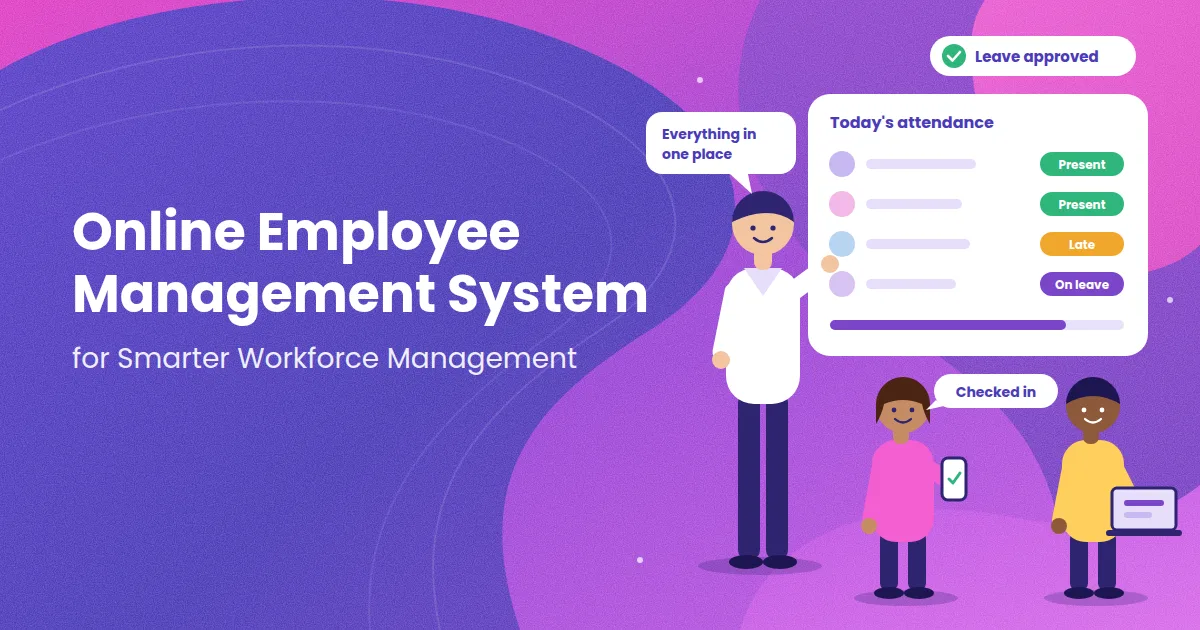
An online employee management system puts attendance, leave, records and approvals on one web-based platform that you and your team can open from a phone or a computer. This matters because most Indian businesses no longer have everyone at one desk: some people work in shifts, some visit client sites, some work from home and some are posted at another branch. Keeping track of all of them with registers, sheets and chat messages gets slower every month. This guide explains how an online employee management system supports smarter workforce management, what to look for, how to roll it out without trouble, and how to avoid the mistakes that make teams drop a new tool after a few weeks.
What Does Smarter Workforce Management Actually Mean?
Workforce management is the work of making sure the right people are in the right place at the right time, with fair rules and clear records behind it. "Smarter" does not mean more complicated. It means you spend less time collecting information and more time using it.
In practice, smarter workforce management has four parts:
Accurate data: attendance, leave and working hours are recorded when they happen, not rebuilt from memory at month end.
Fair rules: the same policy on late marks, half days and leave applies to everyone.
Quick decisions: managers see who is present, absent or on leave without making calls.
Clear accountability: every approval and change has a name and a date against it.
An online employee management system is the tool that makes these four things routine instead of a monthly struggle.
What Is an Online Employee Management System?
An online employee management system is cloud-based software that stores employee information and manages daily workforce activity. Your team logs in through a browser or a mobile app, and the provider takes care of hosting, backups and updates. You do not install anything on your own computers or run your own server.
Most systems cover some or all of the following:
Employee profiles and documents
Attendance, shifts and working hours
Leave requests, approvals and balances
Notices and task sharing
Reports on attendance, absence and headcount
Data that can feed into payroll
You will also hear the same idea called employee management software, HRMS or HRIS. The names overlap, so check what the tool actually does rather than relying on the label.
Manual Tracking vs an Online System
Many owners know their current method is slow but are not sure how much an online system really changes. The table below compares the two across the tasks that take the most time.
Task | Manual method (register, sheet, chat) | Online employee management system |
|---|---|---|
Marking attendance | Signature in a register or a message to the manager | Check-in on a phone or browser, recorded with time |
Applying for leave | Verbal request, message or paper form | Request raised in the system, approved online |
Checking leave balance | Ask HR or search old messages | Employee sees the balance on their own screen |
Month-end totals | Someone counts days by hand | Reports built from daily records |
Fixing a mistake | Hard to trace who changed what | Correction request with a visible history |
Seeing who is in today | Phone calls to each manager | Live view of present, late and absent staff |
Keeping records safe | One register or one computer | Cloud storage with backups and role-based access |
The biggest gain is not speed alone. It is that everyone looks at the same record, which removes most of the arguments.
Six Ways an Online System Makes Workforce Management Smarter
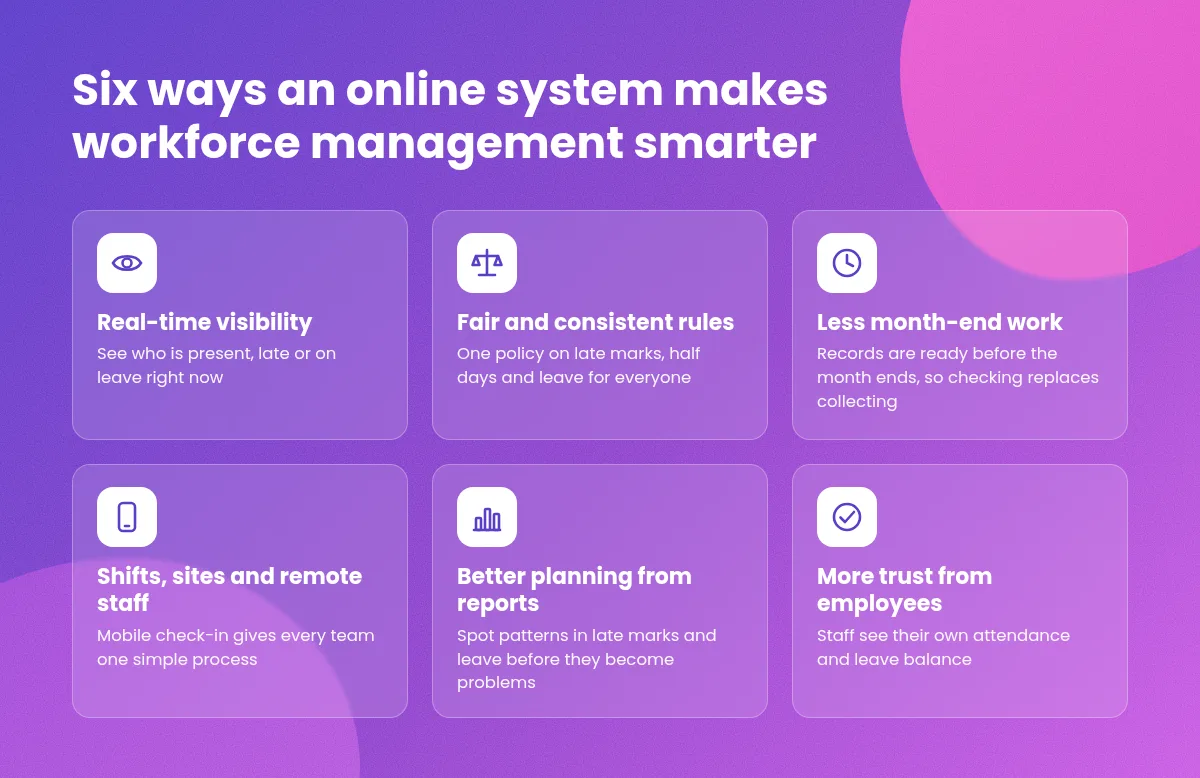
1. Real-Time Visibility
You can see who has checked in, who is late and who is on leave right now. If two people from the same team are absent, you know before the day gets busy and can cover the gap early.
2. Fair and Consistent Rules
You enter your rules once: working hours, grace time, week offs, holidays and leave types. The system applies them to every employee in the same way. When a person asks why a late mark was counted, the answer is in the rule, not in a manager's mood.
3. Less Manual Work at Month End
When attendance and leave are already recorded, the month-end task shrinks from collecting and cleaning data to checking and approving it. The same records can feed into salary, which lowers the chance of payment errors.
4. Support for Shifts, Sites and Remote Staff
Teams that work in shifts or outside the office need one process, not three. Mobile check-in and online approvals give field staff, shift workers and home-based employees the same simple method.
5. Better Planning From Reports
Reports show patterns that are hard to see in a spreadsheet. A rise in late marks on Mondays, or a pattern of leave before long weekends, helps you plan schedules and cover.
6. More Trust From Employees
When employees can see their own attendance and leave balance, they do not need to ask whether their record is right. Open records reduce suspicion, and that is good for the relationship between staff and management.
Features That Matter for an Indian Business
A long feature list can hide the few things you actually need. Start with this shortlist:
Mobile-first design. Most employees will use it on a phone, so it must be quick and must work on a slow connection.
Flexible rules. It should handle grace time, half days, overtime, week offs and your own leave types.
Approval flow. Managers should be able to approve or reject requests in a few taps.
Employee self-service. Staff should check their own records without asking HR.
Role-based access. A manager should see their own team, and an employee should see only their own data.
Reports you can export. You will need them for audits, payroll and reviews.
Audit trail. The system should show who changed a record and when.
Support in your language and time zone. Help should be available when you need it.
You can see how attendance, leave and employee records are handled together in one tool on the Attendi features page.
Who Gains the Most From an Online System?
Any business with staff can use one, but some situations make the gain very clear:
Small businesses with no HR person. The owner or office manager does everything, so any saved hour matters.
Businesses with shifts. Factories, clinics, shops and security teams need correct hours and overtime.
Companies with several branches. The owner can see every location in one place.
Schools and coaching centres. Teacher attendance and leave across batches and branches become easy to track.
Teams with field staff. Sales and service visits can be recorded without phone calls.
Employee, Manager and Owner Roles
Software does not run itself. A system works well when each group knows its part.
Employees should mark attendance honestly, apply for leave through the system, keep personal details updated and protect their login.
Managers should approve or reject requests quickly, check team attendance and apply the same rules to everyone.
HR or the owner should set up policies correctly, keep records accurate, manage access and remove it when someone leaves.
A one-page note that explains these roles, shared at the time of training, prevents many small disputes later.
How to Roll Out an Online System Without Disruption
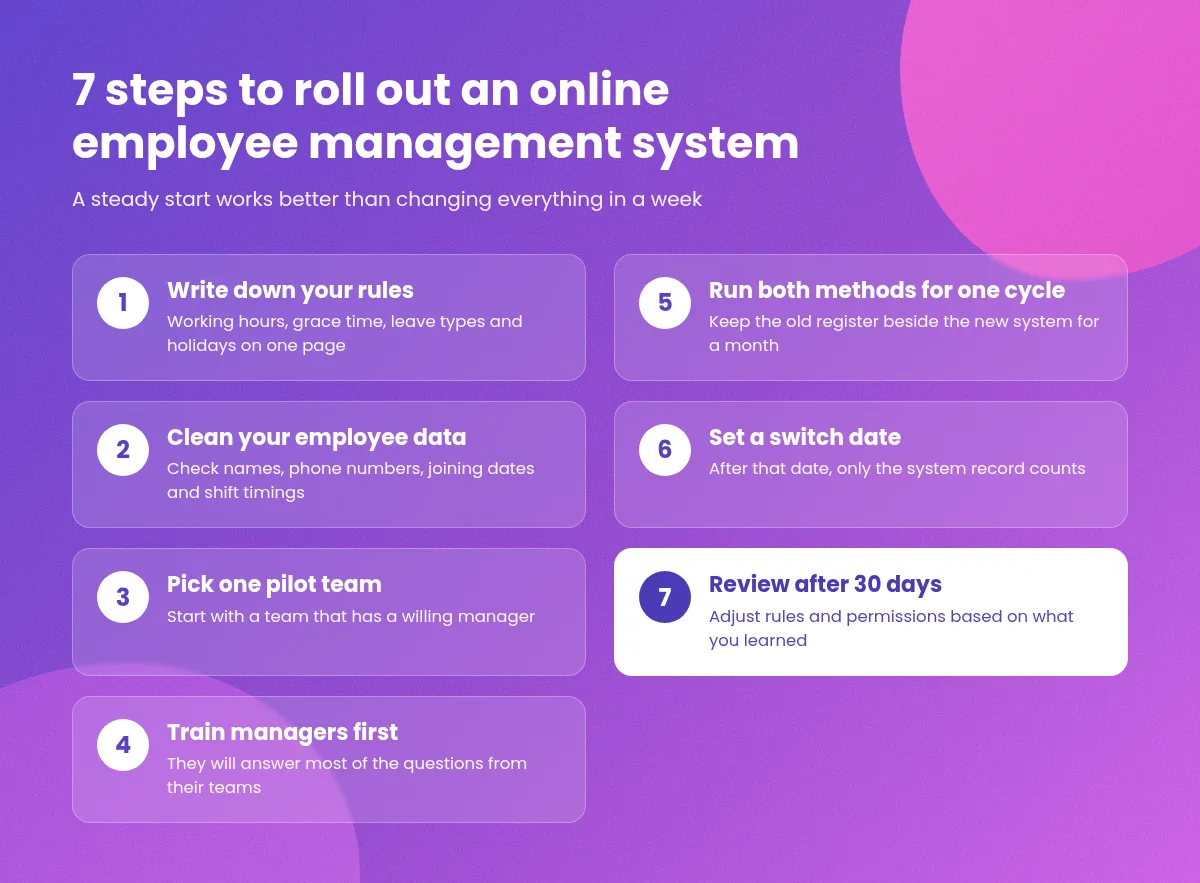
Most failed rollouts have one thing in common: they tried to change everything in a week. A slower, steadier start works better.
Write down your rules. Put working hours, grace time, leave types and holidays on one page. Software can only follow rules that exist.
Clean your employee data. Check names, phone numbers, joining dates and shift timings before you enter them.
Pick one pilot team. Start with a team that has a willing manager.
Train managers first. They will answer most of the questions from their teams.
Run both methods for one cycle. Keep the old register beside the new system for one month and compare the totals.
Set a switch date. After that date, only the system record counts.
Review after 30 days. Adjust rules and permissions based on what you learned.
If you want to see what the setup flow looks like before you begin, the Attendi how it works page explains it step by step.
Keeping Employees Informed Without Extra Tools
A system records and approves, but people also need quick answers. Many Indian teams already use WhatsApp for everyday questions, so a simple helpdesk number for HR or admin can reduce confusion. A tool such as Walinko, which creates WhatsApp click-to-chat links and QR codes, lets you share one number through a notice board poster or an intranet page. Whatever channel you choose, give every message an owner and a reply time, so questions about leave or attendance do not get lost.
Security and Privacy: Questions to Ask Any Provider
Attendance patterns, phone numbers, documents and sometimes location or photos are personal data. Before you choose a provider, ask:
Who can see which data, and can I limit access by role?
Is data encrypted, and where is it stored?
How often are backups taken, and how can I restore them?
Is there a log of who viewed or changed a record?
Is there a clear privacy policy that I can read before I sign up?
A published policy is a good sign that a vendor takes the subject seriously. You can read how Attendi explains this on the Attendi privacy policy page. In India, the Digital Personal Data Protection Act, 2023 sets duties for organisations that handle personal data, and its rules are being brought into effect in stages. This is general information and not legal advice, so confirm your own duties with a qualified professional.
Good habits apply either way: tell staff what you collect and why, collect only what you need, limit who can view records and delete data when it is no longer needed.
Common Mistakes to Avoid
Buying before you define the problem. Decide what is hurting most, such as late marks, leave disputes or slow payroll, then look for tools.
Skipping training. A short session with real examples prevents weeks of confusion.
Giving everyone full access. Role-based permissions protect privacy and trust.
Keeping the old method alive forever. Two systems for too long means double work and no clear record.
Ignoring employee feedback. If staff find the app slow or confusing, they will find ways around it.
Never reviewing. A setup that suits ten people may need changes at fifty.
How to Measure Whether It Is Working
You do not need complex analytics. Look at a few simple signs after the first two or three months:
Time taken to complete month-end attendance and leave totals
Number of disputes about late marks, leave or hours
Share of requests approved within a day
Number of record corrections needed
Employee feedback on how easy the app is to use
If these numbers improve, the system is doing its job. If not, check whether the problem is the rules, the training or the tool.
Frequently Asked Questions
What is an online employee management system? It is cloud-based software for managing employee records, attendance, leave, approvals and reports, used through a browser or mobile app.
How does an online system help with smarter workforce management? It gives you real-time attendance data, applies your rules fairly, reduces manual month-end work and shows patterns through reports, so you can plan and decide faster.
Is it suitable for a small business? Yes. A team of ten to fifteen people with no HR staff often gains the most, because the owner saves time and avoids disputes.
Does it work for staff who are not in the office? Yes. Mobile check-in and online leave requests work for field, shift and remote employees, as long as they have a phone and internet.
How long does setup take? For a small team, basic setup takes a few days to two weeks. Cleaning data and running one cycle side by side take most of the time.
What should I check about data safety? Ask about role-based access, encryption, backups, an audit log and a published privacy policy, and whether you can export or delete your data.
Will employees accept it? Most do, if you explain why you are changing, train managers first and let staff see their own records. People trust a system they can see.
Final Thoughts
An online employee management system is not about watching people more closely. It is about replacing guesswork with clear, shared records so that managers can plan, employees can trust the process and owners can spend their time on the business. Smarter workforce management starts with a few simple steps: write your rules, choose a tool that fits your main problem, train your managers and review the results after a month.
Start small, test with a real team and keep what works. With a careful start, the system will quietly take over the routine work and give you a clearer picture of your workforce every day.