Attendance System Using Face Recognition Working and Accuracy
Buddy punching, forgotten cards and shared PINs cost businesses time and money every month. An attendance system using face recognition removes most of these problems because the face itself becomes the proof. The employee looks at a camera, the system confirms who it is, and the time is saved.
This guide explains how an attendance system using face recognition works, how face verification differs from face identification, when to use a phone for face attendance and when to use a biometric scanner, what affects accuracy, and how to set it up in your business in India.
What Is an Attendance System Using Face Recognition?
An attendance system using face recognition marks attendance by reading a person's face instead of a card, a PIN or a signature. A camera captures the face, the system converts it into a set of measurements, and these measurements are compared with the ones saved for that employee.
If they match, the system records the name, date and time. If they do not, the entry is rejected or sent to a manager for review. The records can then be used for daily reports, working hours, leave and payroll, reducing the need for a separate register.
People often use the term face attendance for the entire process, from the camera to the final report. In this guide, face attendance means the daily record, while face recognition means the matching process behind it.
How Face Recognition Attendance Works
The process has two main stages: one-time enrolment and daily scanning.
Enrolment
During enrolment, the employee's face is captured, usually from a few angles. The system converts the image into a template, which is a set of numbers describing facial features. This template is saved against the employee's name and ID.
The quality of this initial capture matters because a clear image makes future verification easier. Employees should face the camera directly and complete enrolment in suitable lighting.
Daily Scan
During a daily scan, the camera detects a face in the frame. A liveness check tries to confirm that it is a real person and not a photograph or a video displayed on a phone.
The system compares the live face with the saved template. A successful match records attendance with the date and time. A weak match may ask the employee to try again or request manager approval.
The daily scan usually takes a few seconds, which is why this method can work at busy entrances and during shift changes.
Face Verification vs Face Identification
Two terms often come up when comparing different systems, but they do not mean the same thing.
Method | The question it answers | How it works | Where it fits |
|---|---|---|---|
Face verification (1:1) | Is this person who they claim to be? | The employee first identifies themselves using an ID, mobile login or card. The system compares the face with that saved template. | Phone-based attendance, secure areas, remote and field staff |
Face identification (1) | Who is this person? | The system compares the face with multiple saved templates and selects the closest match. | Wall-mounted scanners at gates and entrances |
Face capture with photo proof | Was the person present? | A photo is saved with the time and place for a manager to review. No automatic facial matching is necessarily performed. | Field visits and small teams that need attendance proof |
Face verification is simpler for the system because it compares against one saved template. Face identification is more convenient for employees because they do not need to enter an ID first. Businesses should choose the method according to their workplace requirements.
Face Attendance on a Phone or a Biometric Scanner?
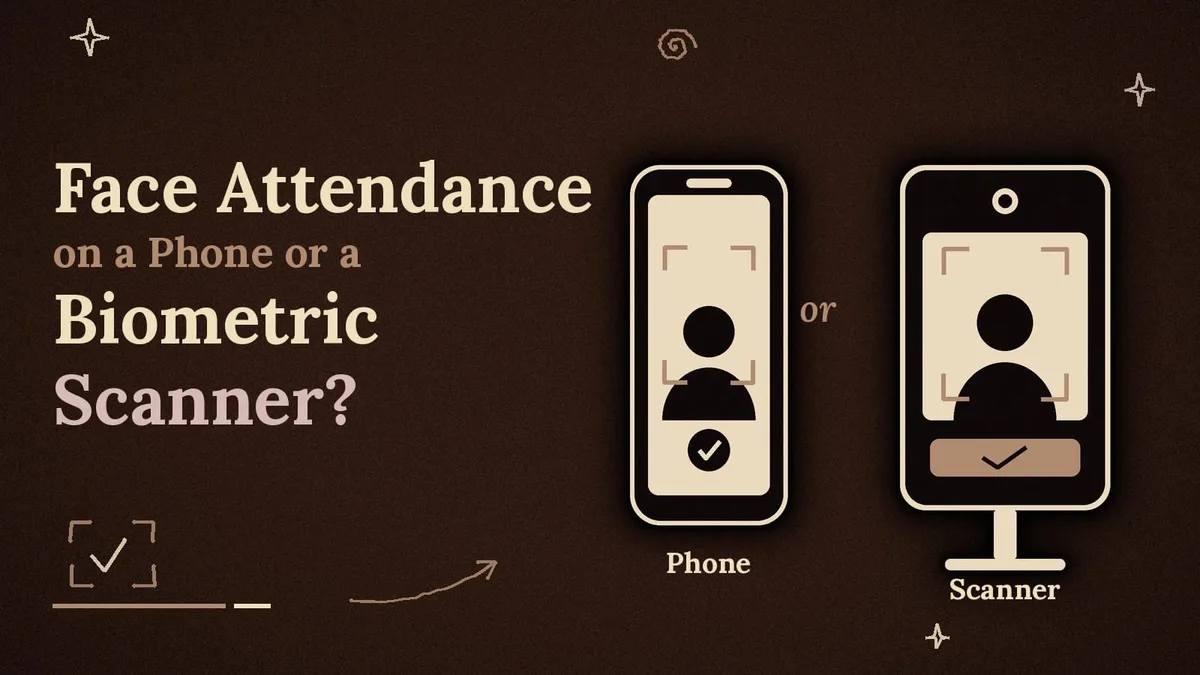
The same attendance objective can be achieved through different methods, and the right choice depends on where employees work.
Phone-based face attendance: The employee opens the attendance platform, takes a selfie or completes the available face capture process, and the system records the attendance details according to its verification features. There is no need to purchase a separate biometric device. This approach can suit staff who move between locations, visit clients or work outside the main office. It requires a smartphone for each employee and a reliable system that can handle weak network connections.
A biometric scanner: This is a wall-mounted device with a camera and a screen, usually placed at the entrance. Employees walk up, look at it and complete their check-in. It suits factories, warehouses, schools and offices where a fixed entrance handles many people at once. It can also help workplaces where employees do not carry smartphones. However, businesses must consider device costs, installation, maintenance, power supply and network requirements.
A simple rule is to use a scanner at a fixed entrance with large numbers of employees and phones for people who move between locations. Mixed teams can use both methods, provided their attendance records are connected to one central dashboard. If you want to understand how employee check-ins move into attendance records, the face attendance check-in process explains the workflow.
What Affects Accuracy?
Vendors often quote high accuracy numbers, but actual results depend on the conditions at your workplace.
Lighting: Strong backlight, a bright window behind the employee or a dark corridor can reduce match quality. Place the camera away from direct sunlight and ensure that the employee's face is clearly visible.
Camera height and angle: A device installed at the wrong height forces employees to tilt their heads. Mount it at a suitable face level so people can look directly into the camera.
Distance: Most devices work best within their recommended capture range. Check the manufacturer's specifications and make sure employees stand at the correct distance.
Changes in appearance: Beards, glasses, masks and caps can affect the match score. Employees should enrol with their usual appearance and update their enrolment information if their appearance changes significantly.
Quality of enrolment: Blurry or rushed enrolment photos can cause problems during later scans. Capture images in good lighting and ask employees to face the camera.
Liveness check: A system without a liveness check may be easier to fool using a photograph. Ask vendors how their devices distinguish a real person from a photo or video. When comparing different solutions, review available face recognition and identity verification services to understand the different biometric attendance approaches.
When running a trial, test the system in difficult conditions, including morning rush hours, evening lighting and with employees who wear glasses or have facial hair.
Privacy and Consent
A face template is personal data, so businesses must handle it carefully. India's Digital Personal Data Protection Act, 2023 addresses how personal data is collected and used. Businesses should review the requirements applicable to their particular situation with a legal adviser.
Tell employees what information is collected, why it is needed and how long it will be retained. Explain the enrolment process and obtain appropriate consent before collecting face information. Store templates rather than raw photographs where the system allows it. Limit access to authorised people and establish a clear process for deleting information when an employee leaves.
Businesses should also ask vendors where the information is stored, who can access it and what security measures protect it. Explaining these details openly before implementation can reduce employee concerns and improve acceptance.
Benefits of Face Recognition Attendance
Face recognition attendance can reduce buddy punching because employees cannot simply share a card or PIN with a colleague. It provides a quick and contactless way to record attendance, reducing the need to touch shared surfaces.
It also reduces manual errors because attendance times come from the recorded check-in rather than handwriting or memory. Employees do not need to carry attendance cards or remember PINs. Managers can get a clearer view of who is present, late or absent during the day.
When attendance records are connected with working hours, leave and overtime, managers can prepare more organised reports and simplify payroll calculations. These benefits are particularly useful for workplaces with multiple shifts, larger teams and different employee locations.
Limits to Plan For
No attendance system is perfect. Failed scans can interrupt work, so businesses should keep a backup method such as manager approval or an alternative check-in process.
Biometric scanners also cost more upfront than QR-based attendance or paper registers. Poor device placement can create daily complaints, while some employees may feel uncomfortable sharing facial information. Clear communication about privacy and data protection is therefore important.
Network interruptions can also affect attendance recording. Businesses should check whether their chosen system can temporarily store records and sync them when the connection returns. Planning for these situations before implementation makes the transition easier.
How to Set Up an Attendance System Using Face Recognition
A small or mid-sized business can often complete the initial setup within one to two weeks, depending on the number of employees, devices and workplace requirements.
Start by writing down your attendance rules. Fix shift timings, grace periods, late marks, half days, weekly offs and holidays before selecting a system. Clear rules help employees and managers understand how attendance will be recorded.
Next, choose the appropriate format: phone-based attendance, a biometric scanner or a combination of both. Compare available features, employee limits, reporting options and integration requirements. Look for a system that connects attendance with leave, working hours and reports.
Collect the required consent and enrol employees individually. Capture faces in good lighting and make sure the images are clear. If you are installing a scanner, position it at face level and away from direct sunlight. For phone-based attendance, explain the check-in process and any location or device permissions employees need.
Run a trial week before fully switching over. Keep the old attendance register in parallel and compare the records to identify failed scans, incorrect entries or configuration issues.
Once the trial is successful, begin using the new process. Review failed scans and employee feedback during the first month. Adjust device placement, enrolment quality or attendance rules wherever necessary.
Cost of Face Recognition Attendance in India
The cost depends on the type of system you choose, the number of employees and the features required.
A biometric scanner generally involves a one-time device purchase, installation charges and sometimes a yearly licence. Prices vary by model, storage capacity, camera quality and available features. Businesses should request written quotations before purchasing.
A per-user attendance platform charges a monthly amount for each employee and may not require a separate biometric device. This can be suitable for smaller teams and businesses with field employees. Some workplaces also combine a gate scanner with phone-based attendance for employees who work outside the office.
As an example of the platform-based option, Attendi's current plans start at ₹39 per user per month, plus 18% GST. The ₹49 plan adds selfie attendance and payroll, while the ₹59 plan includes face capture and field workforce features. A 15-day free trial is available when you sign up at attendi.in. Check the current pricing and included features before making a decision.
For example, 25 employees on the ₹59 plan would cost 25 × ₹59 = ₹1,475 per month before GST, or approximately ₹1,740.50 including 18% GST. Compare this with the cost of a biometric device, installation and yearly licence, along with the time spent maintaining manual attendance records.
For additional guidance on digital solutions and business processes, explore these workforce attendance and tracking resources.
What to Look for in a Face Attendance System
Before choosing a provider, compare the features and services carefully. Look for a liveness check if automatic facial matching is required, along with clear information about how templates and photographs are stored.
Check whether the system supports phone-based attendance and biometric devices, or offers a practical way to add another method later. Shift timings, grace periods and late rules should be configurable according to your workplace policies.
Leave, holidays, working hours and attendance reports should be connected to the same records wherever possible. A backup method is important when a scan fails, and businesses with multiple locations should check whether the system can manage attendance across all of them.
A free trial or product demonstration with your own employees can also help you understand how the system performs in real working conditions.
To compare these features with a real attendance platform, the face capture and attendance features page on Attendi explains its available features, including face capture, employee management, leave, reports and working hours.
Frequently Asked Questions
What is an attendance system using face recognition?
It is a system that records attendance by matching a person's face with a saved template. A successful match records the employee's attendance time, and the information can be used for reports and payroll.
What is the difference between face verification and face recognition?
Face verification checks one face against one saved template after the employee identifies themselves. Face identification searches multiple saved templates to determine who the person is. Verification is generally simpler because it compares against only one template.
Can someone cheat the system with a photo?
A basic facial matching system may be vulnerable to photographs or videos. Look for a system with a liveness check and keep a manager review process for failed scans.
Is a biometric scanner better than a phone-based attendance system?
Neither method is better in every situation. A scanner suits a fixed entrance with many employees, while phone-based attendance is useful for field staff and smaller teams that do not want to purchase additional hardware.
Do I need employee consent?
Businesses should explain what facial information they collect, why it is required and how it will be used. Obtain appropriate consent before enrolment and consult a legal adviser about the data protection requirements applicable to the business.
Final Thoughts
An attendance system using face recognition replaces cards and signatures with a more personal way to verify employee presence. It can reduce buddy punching, speed up entry and provide managers with organised attendance records.
Start with clear attendance rules, explain the data collection process, enrol employees in good lighting and choose the method that suits your workplace. Test the system for a week alongside your existing register and keep a backup method for failed scans. With proper planning, face-based attendance can become easier to manage and more reliable for everyday workplace operations.